
Digitalizard IPTV: Reliable Streaming for Every Screen
Start WatchingUnleash the Power of Entertainment – Get Your Best IPTV Service Subscription Now!
Starting from just $35 for 3 months!
Why choose Digitalizard
Why Choose Digitalizard IPTV?
Enjoy live TV, movies and series with simple setup, flexible device compatibility and streaming features designed around your entertainment.
Instant Activation (opens WhatsApp)
Once your payment is confirmed, your subscription is activated and ready to use, with no long wait.
Works on All Devices
Watch on Smart TVs, Firestick, Android boxes, Apple TV, MAG boxes, phones, tablets and computers.
Live TV & On-Demand Entertainment (opens WhatsApp)
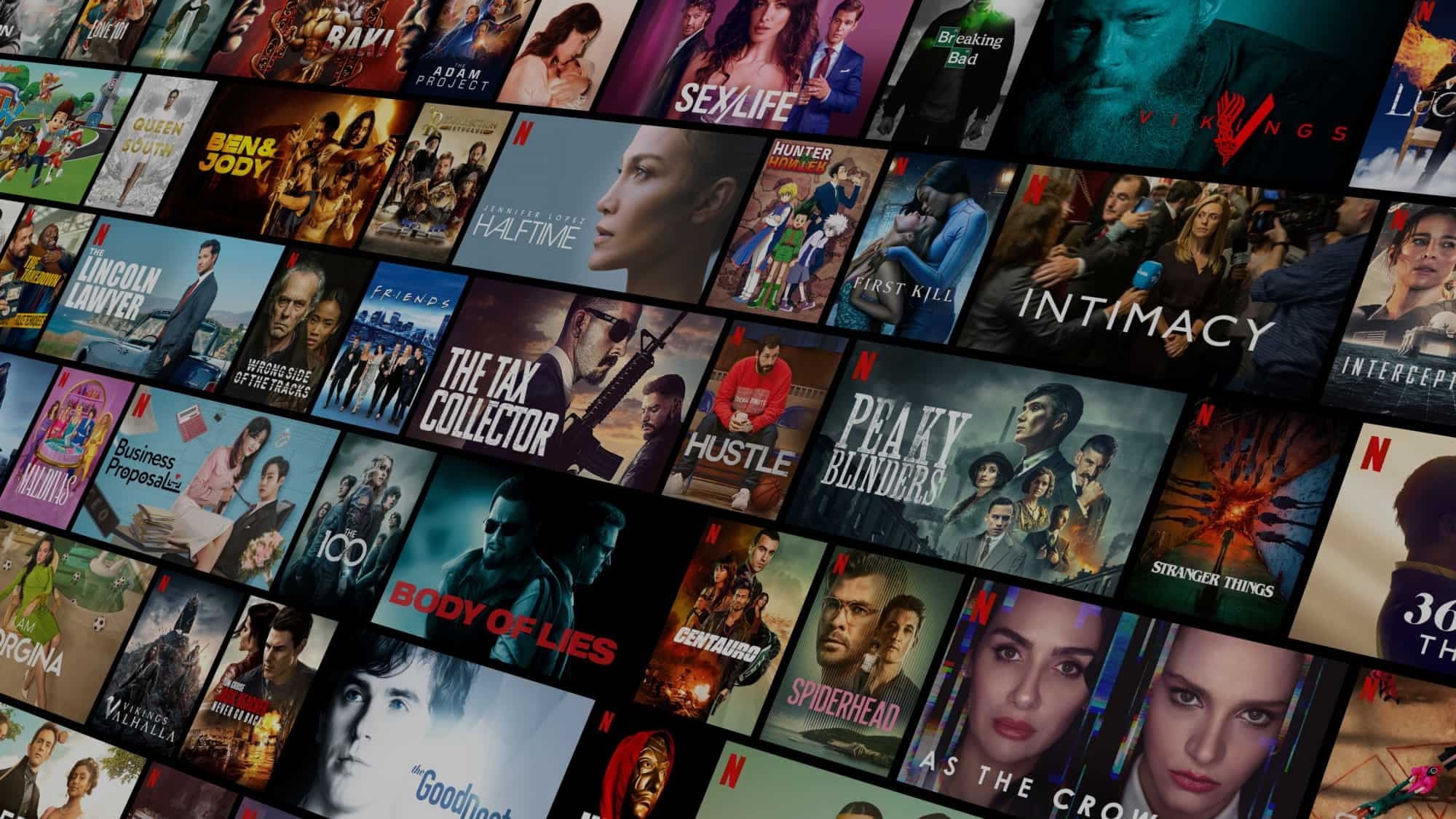
Live channels plus a library of movies and series, all together in one subscription.
Stable Streaming Experience (opens WhatsApp)
Our servers are set up for smooth, steady playback, so you spend less time waiting and more time watching.
Easy Installation (opens WhatsApp)
Step-by-step setup help for your device and app takes you from installation to your first channel.
HD & 4K Entertainment (opens WhatsApp)
Enjoy channels and titles in HD, with 4K on selected content when your device and connection support it.
Watch Digitalizard IPTV on Your Favorite Devices
Also on Amazon Fire TV Stick, Apple TV and Android TV boxes.
 iPhone
- iPad
- macOS
 Android
 Windows
 Google Chrome
 MAG box
- Roku TV
- Samsung Smart TV
- LG Smart
 TV
 Linux
 Tablets, laptops and PCs
IPTV Service Pricing Plans
Choose Your Premium IPTV Package
Choose your subscription length and the number of devices you want to watch on.
3 Months
$35
Total for 3 months
- Instant activation
- Thousands of channels
- Available worldwide
- 4K, FHD, HD & SD
- Multi-device support
- Stable streaming
- 24/7 support
6 Months
$49
Total for 6 months
- Instant activation
- Thousands of channels
- Available worldwide
- 4K, FHD, HD & SD
- Multi-device support
- Stable streaming
- 24/7 support
12 Months
$70
Total for 12 months
- Instant activation
- Thousands of channels
- Available worldwide
- 4K, FHD, HD & SD
- Multi-device support
- Stable streaming
- 24/7 support
3 Months
$59
Total for 3 months
- Instant activation
- Thousands of channels
- Available worldwide
- 4K, FHD, HD & SD
- Multi-device support
- Stable streaming
- 24/7 support
6 Months
$85
Total for 6 months
- Instant activation
- Thousands of channels
- Available worldwide
- 4K, FHD, HD & SD
- Multi-device support
- Stable streaming
- 24/7 support
12 Months
$115
Total for 12 months
- Instant activation
- Thousands of channels
- Available worldwide
- 4K, FHD, HD & SD
- Multi-device support
- Stable streaming
- 24/7 support
3 Months
$95
Total for 3 months
- Instant activation
- Thousands of channels
- Available worldwide
- 4K, FHD, HD & SD
- Multi-device support
- Stable streaming
- 24/7 support
6 Months
$139
Total for 6 months
- Instant activation
- Thousands of channels
- Available worldwide
- 4K, FHD, HD & SD
- Multi-device support
- Stable streaming
- 24/7 support
12 Months
$165
Total for 12 months
- Instant activation
- Thousands of channels
- Available worldwide
- 4K, FHD, HD & SD
- Multi-device support
- Stable streaming
- 24/7 support
Clear your doubts
Digitalizard IPTV Frequently Asked Questions
Which devices can I watch Digitalizard IPTV on?
You can watch on Samsung and LG Smart TVs, Amazon Fire TV Stick, Android TV boxes, Apple TV, MAG boxes, Roku TV, iPhone, iPad, Android phones and tablets, Windows and macOS computers, Linux and the Google Chrome browser. See the full list in supported devices.
What subscription plans are available?
Plans run for 3, 6 or 12 months, for 1, 2 or 3 devices. Prices start at $35 for 3 months on one device, and 12 months on one device is $70. Every price is the total for the full term: there is no 1-month plan and no monthly billing. Compare all nine plans in our pricing plans.
How many devices can I use at the same time?
That depends on your plan. Each plan is available for 1, 2 or 3 devices, so choose the number of screens you want to watch on at the same time when you select your plan.
How do I order and activate my subscription?
Choose your plan in the pricing section and press Order Now. This opens WhatsApp with your plan, number of devices and total price already filled in, so our team can complete your order. Once your payment is confirmed, your subscription is activated and ready to use.
What can I watch with Digitalizard IPTV?
Your subscription includes live TV channels plus a library of movies and series, all in one subscription. For questions about specific channels or titles, ask our team on WhatsApp (opens WhatsApp).
Is 4K quality available?
Yes, on selected content. Channels and titles come in quality options including 4K, FHD, HD and SD. Watching in 4K depends on the content and needs a device and internet connection that support it.
How do I install it, and which app should I use?
You get step-by-step setup help for your device and app, from installation to your first channel. The right app depends on what you watch on, so tell our team your device (opens WhatsApp) and they will guide you through the setup.
Do I need a VPN, and what should I do if playback buffers?
Please contact support before adding a VPN or changing your network setup, so we can advise for your device and connection. If playback buffers, restart the app and your device, check your internet speed, and use a wired or stronger Wi-Fi connection where you can. If it continues, message support (opens WhatsApp) with your device and app name.
How can I contact Digitalizard support?
Our support team is available 24/7 on WhatsApp. Start a chat (opens WhatsApp) and tell us your device, your app and what you need help with.
Testimonials
What Customers Say About Digitalizard IPTV
Messages our customers sent us on WhatsApp, with personal details hidden.